
Device Box
v1.0.0Dual Themes支援雙風格切換A clean, beautiful Android device monitor with seamless dual-style theme switching.一個簡潔、好看的 Android 裝置資訊工具,支援極簡黑白與科技風雙主題自由切換。
Minimalist Mono Style極簡黑白風格
Pure high-contrast monochrome design, eliminating noise to focus on raw hardware metrics.回歸純粹的黑白明暗對比,消除多餘雜訊,專注硬體數據呈現。
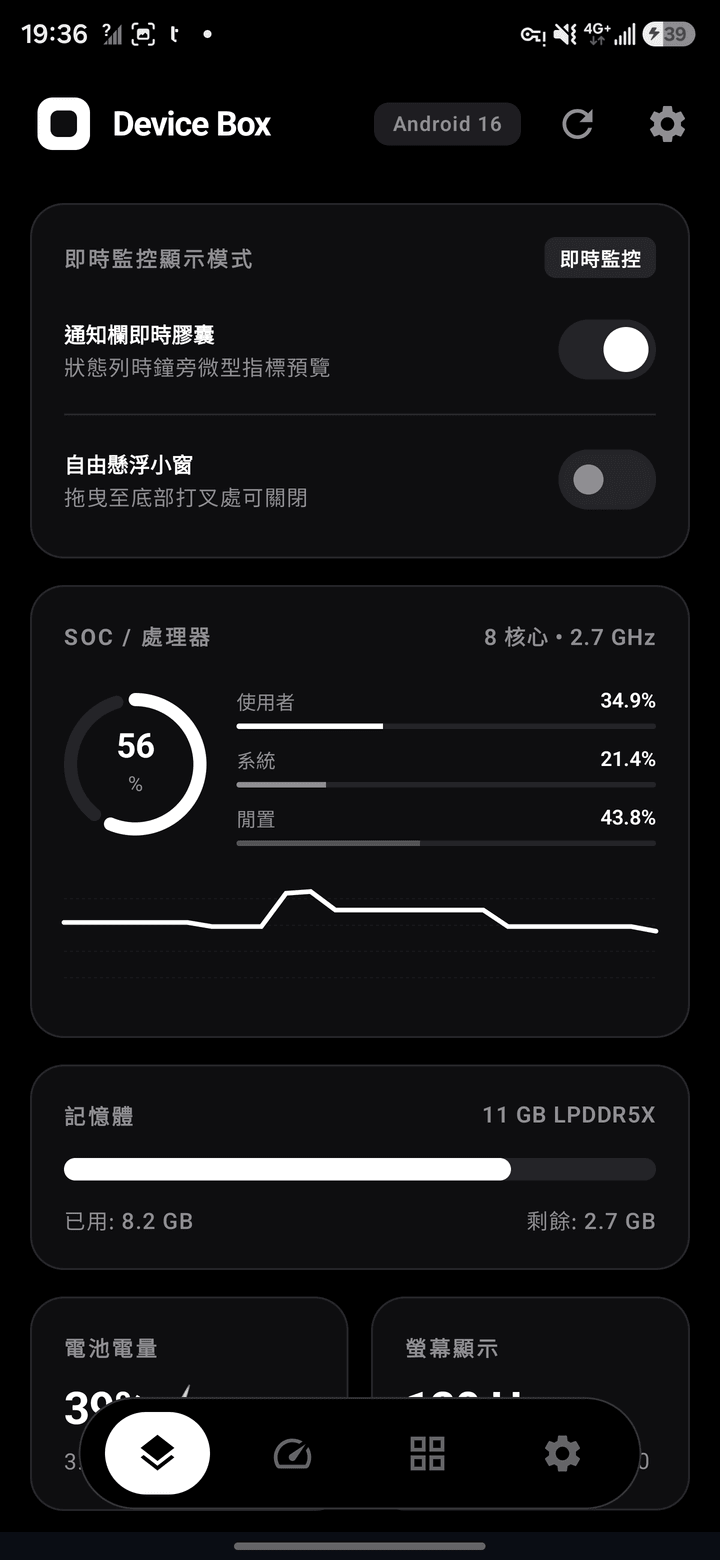
Core Specs & System Status核心規格與系統狀態
Real-time readings of SOC processor load, LPDDR5X RAM usage, battery status, and display metrics.即時讀取 SOC 處理器負載比例、LPDDR5X 記憶體使用率、電池狀態與螢幕即時資訊。
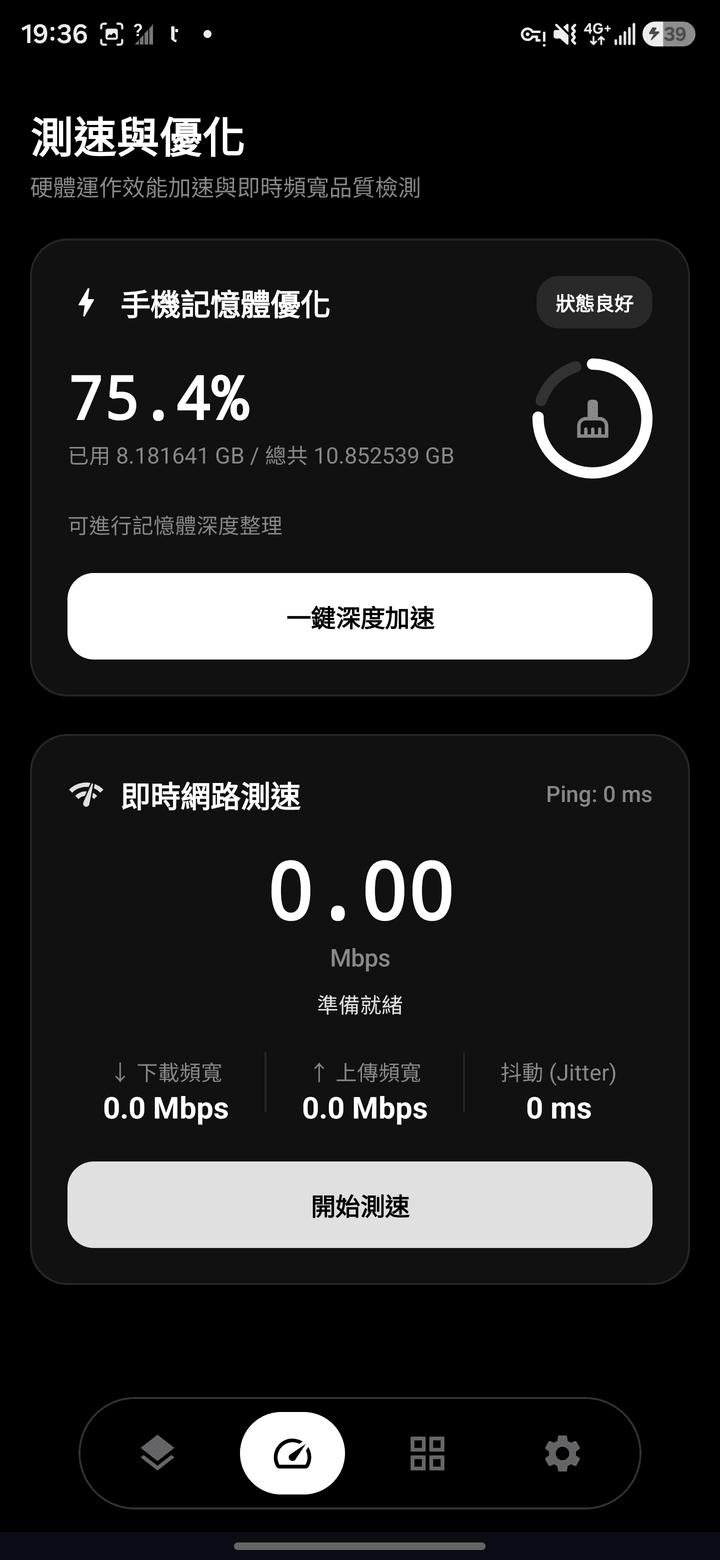
Speed Test & Deep Optimization測速與記憶體深度優化
One-tap deep memory release, combined with instant upload/download bandwidth, Ping, and Jitter testing.提供一鍵深度加速釋放記憶體空間,並支援即時上下行頻寬與延遲(Ping / Jitter)品質檢測。
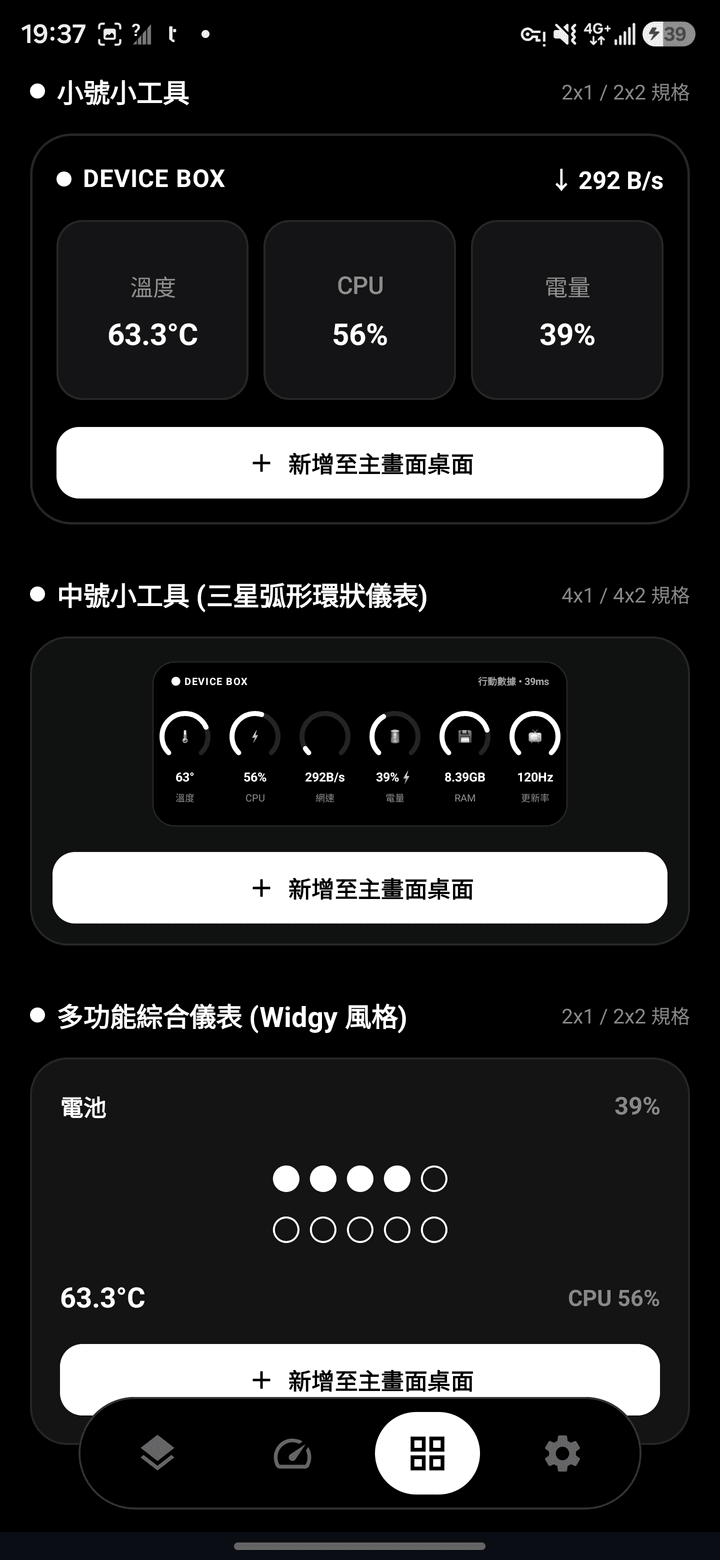
Minimalist Mono Home Widgets極簡黑白桌面小工具
Supports 2x1 compact cards, Samsung-inspired arc circular gauges, and Widgy-style widgets right on your home screen.支援 2x1 小號卡片、三星弧形環狀儀表與 Widgy 風格綜合儀表,一鍵直接新增至主畫面。
Cyber Tech Style未來科技風格
High-contrast neon cyan and live waveform graphs designed for tech geeks.高對比霓虹青藍與動態折線圖,打造極客專屬的沉浸式監控視覺。
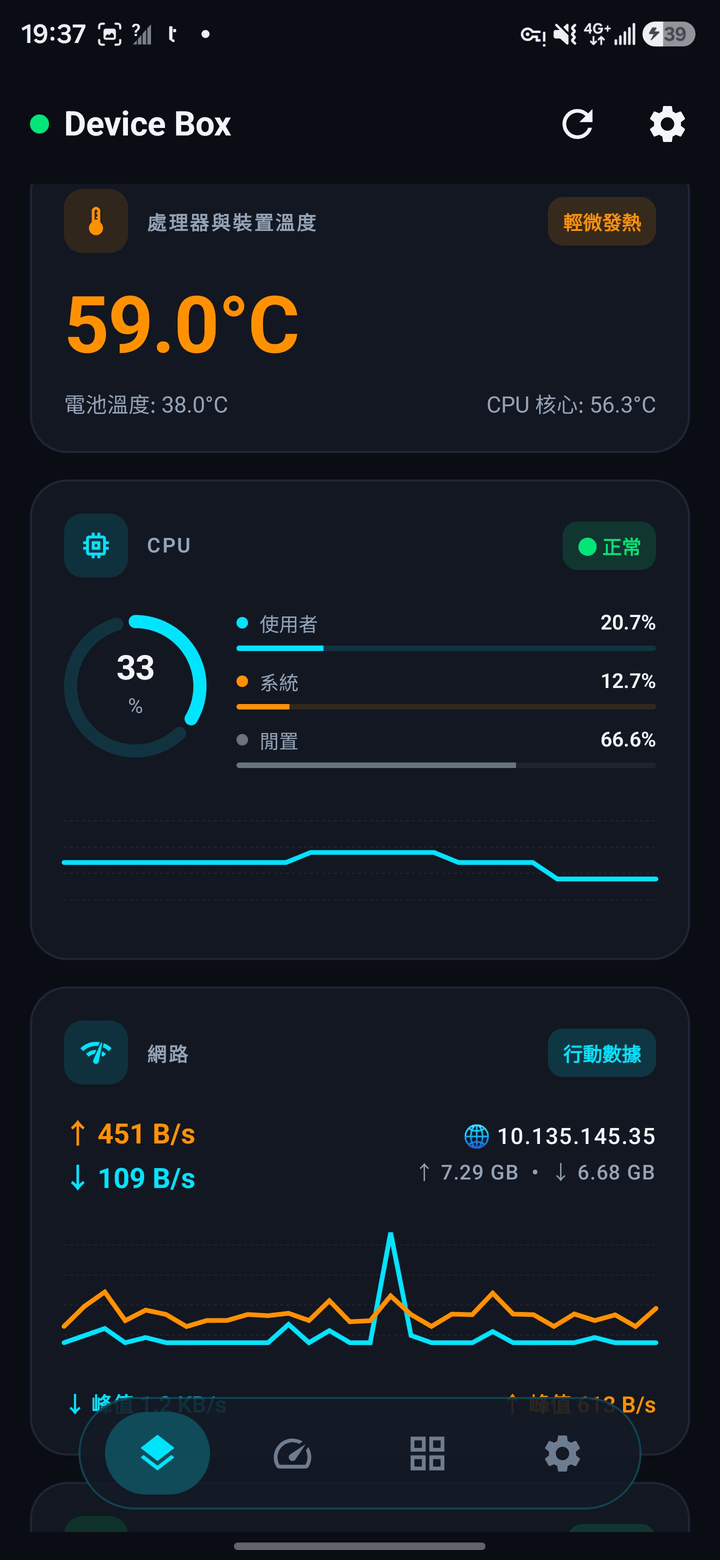
Cyberpunk Neon Live Monitor霓虹科技即時監控
High-contrast neon tech aesthetic with dynamic thermal alerts, multi-core analysis, and live network throughput waveforms.高對比霓虹科技配色,具備動態溫度色階警示、處理器多核心運作分析與即時網路流速折線圖。
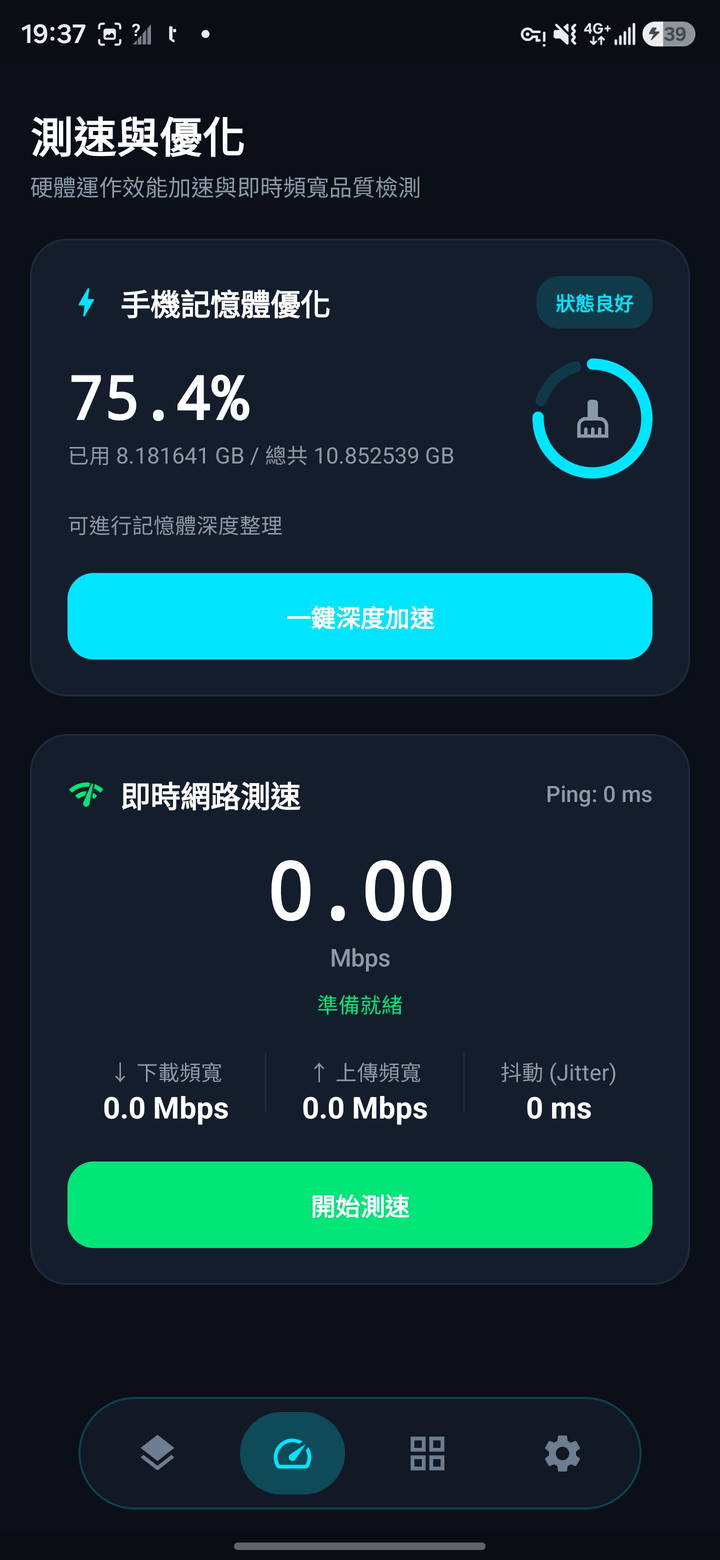
Dynamic Speed Test & Hardware Acceleration動感測速與硬體加速
Cyber cyan & vibrant green animations for high-speed network diagnostics and hardware optimization.螢光青藍與活力綠的極速測速體驗,動態呈現寬頻上下行頻寬與記憶體優化狀態。
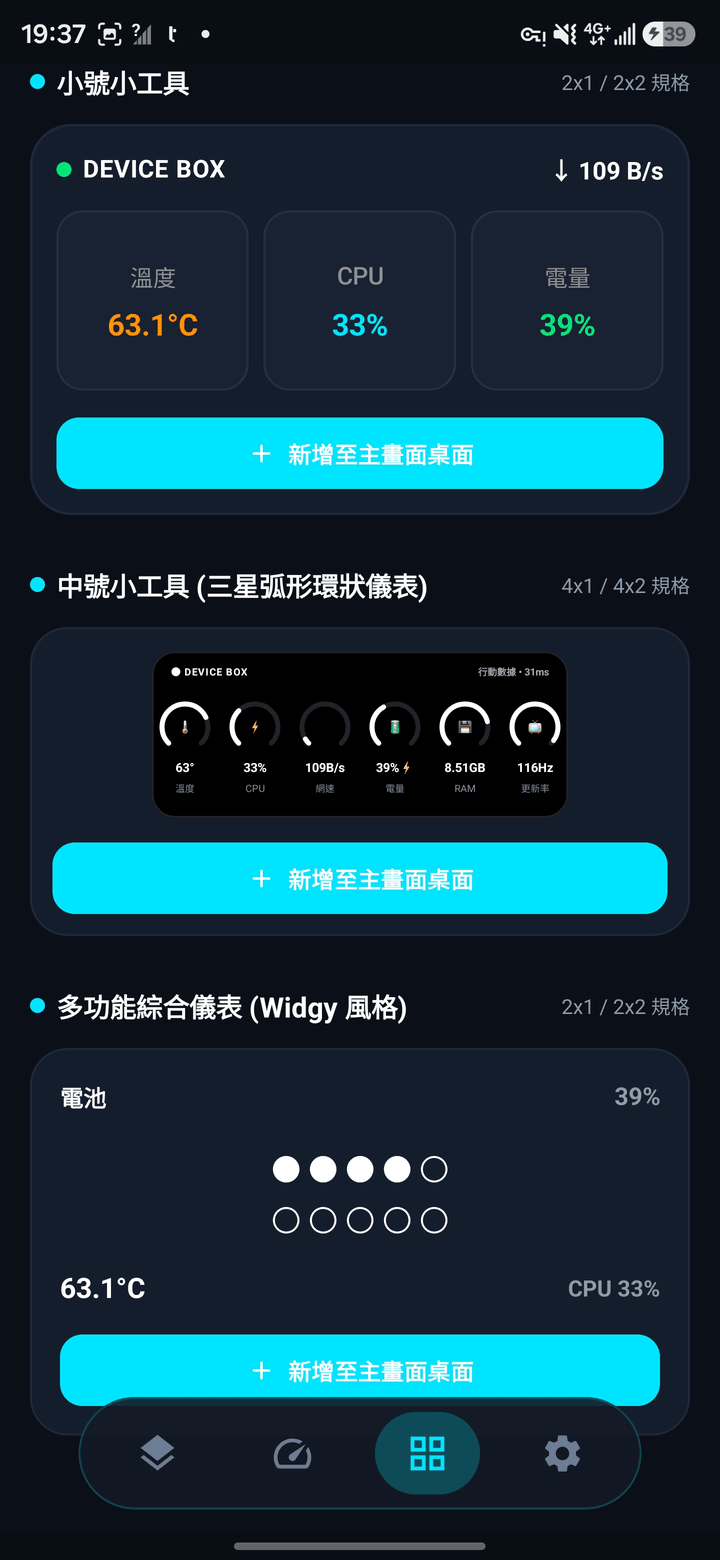
Cyber Tech Desktop Widgets科技風多規格小工具
Engineered for tech enthusiasts with striking neon highlights that elevate your home screen.專為科技極客打造的桌面小工具,高亮青藍配色完美襯托桌面科技感。
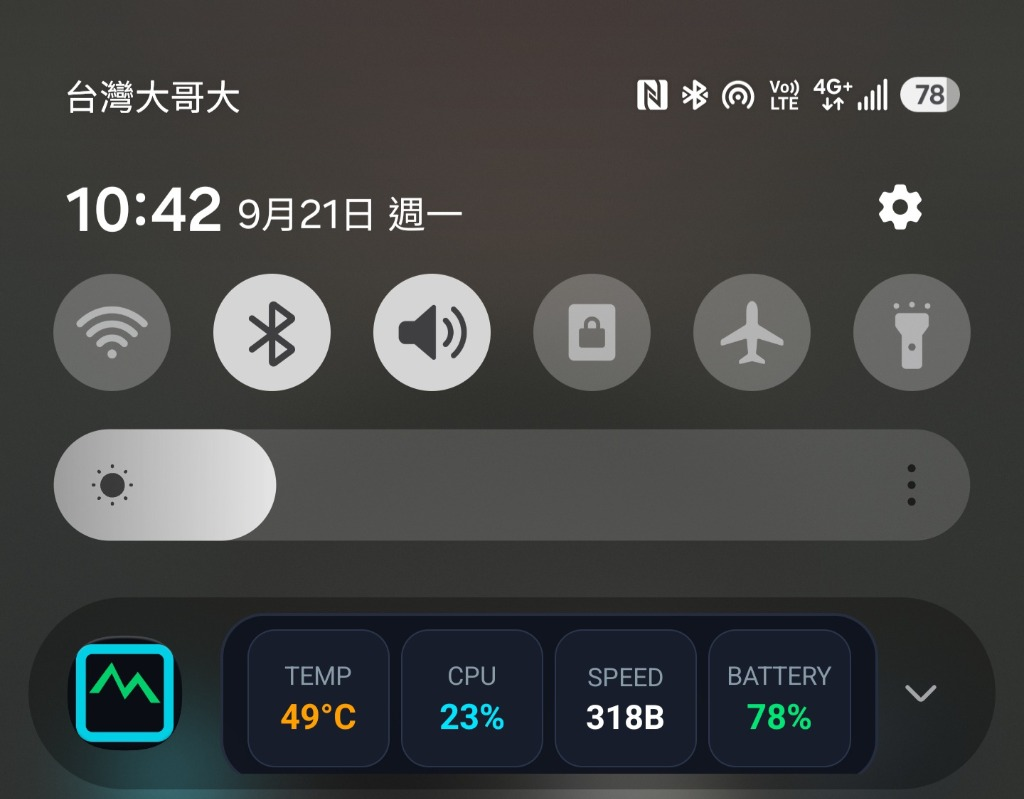
Status Bar Capsule狀態列即時膠囊
Always resident next to the status bar clock, keeping crucial stats in view.常駐 Android 狀態列時鐘旁,微型指標預覽,無需切換 App。
Status Bar Micro Indicator狀態列即時微型指標
A system-level micro indicator that lives beside your clock. Whether gaming, watching movies, or browsing, key system frequencies and loads are accessible without interruption.透過系統級微型膠囊服務,常駐於頂部狀態列時鐘旁。無論是在遊戲、追劇或瀏覽網頁時,晶片運作頻率與核心規格一目了然,並提供通知欄下拉完整規格展開面板。